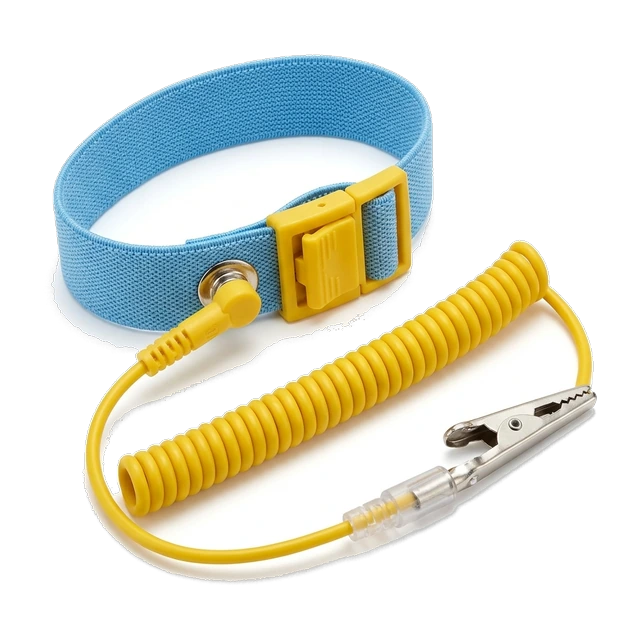
Anti-Static Wrist Strap
Worn around the wrist and connected to an appropriate grounding point to help prevent electrostatic discharge from damaging sensitive components during handling.
Essential tools for assembling, upgrading and working on desktop Personal Computers (PCs) and laptops.
Essential for controlled handling of sensitive electronic components.
Worn around the wrist and connected to an appropriate grounding point to help prevent electrostatic discharge from damaging sensitive components during handling.
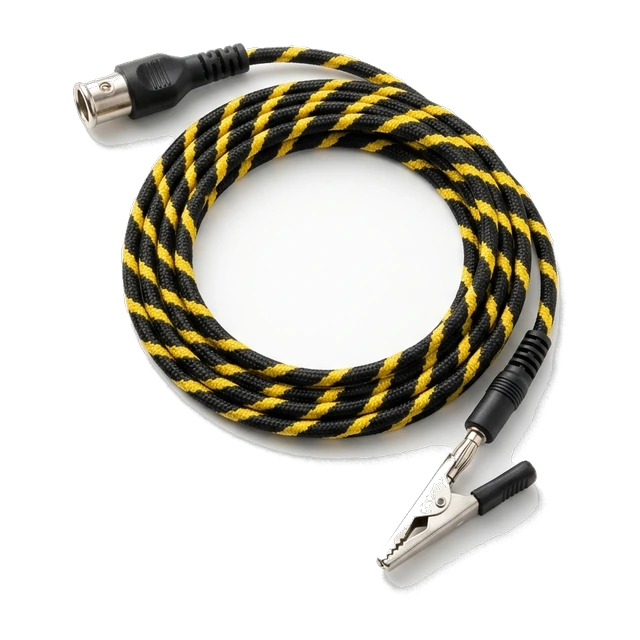
Provides the connection between a compatible anti-static wrist strap and an appropriate grounding point.

Used to store and transport removed sensitive components such as Random Access Memory (RAM) modules, Graphics Processing Units (GPUs), motherboards and Solid-State Drives (SSDs) while reducing electrostatic discharge risk.
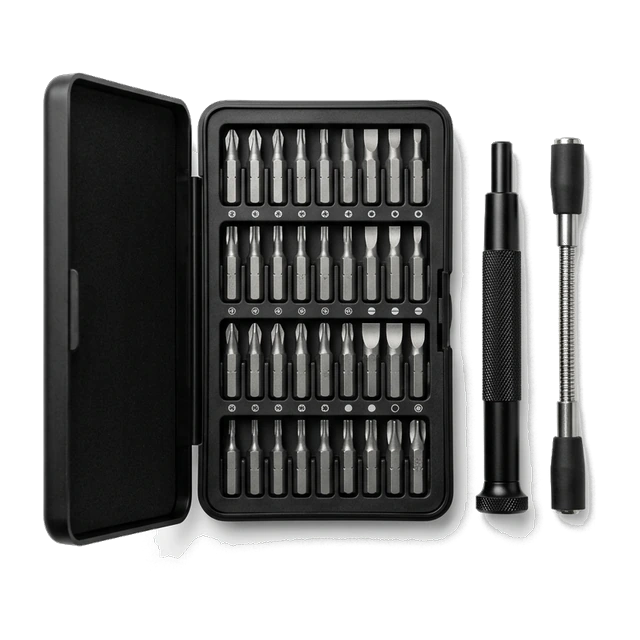
Used to install and remove screws on motherboards, Central Processing Unit (CPU) coolers, GPUs, power supplies, storage drives, laptop components and PC cases. Includes interchangeable Phillips, Torx, flathead and hex bits, magnetic tips and extensions in one set.

Release clips and separate suitable laptop panels, bezels and plastic enclosures without damaging surrounding surfaces.
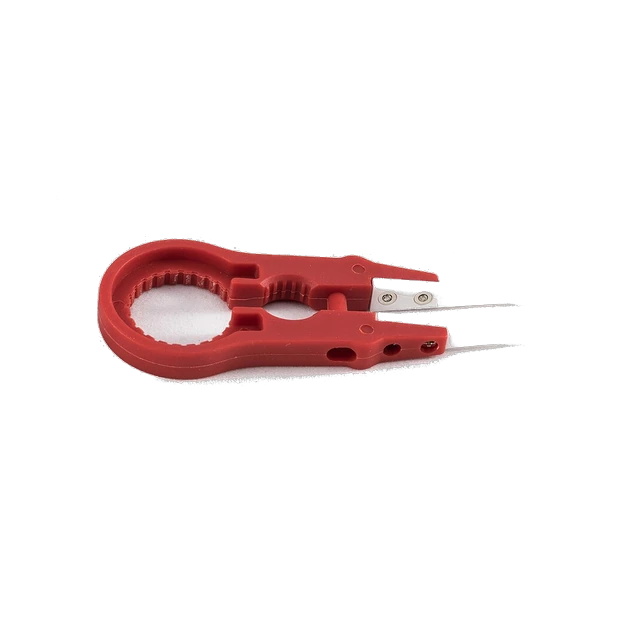
Handle small screws, jumpers and delicate connectors around motherboards, laptop boards and storage components.
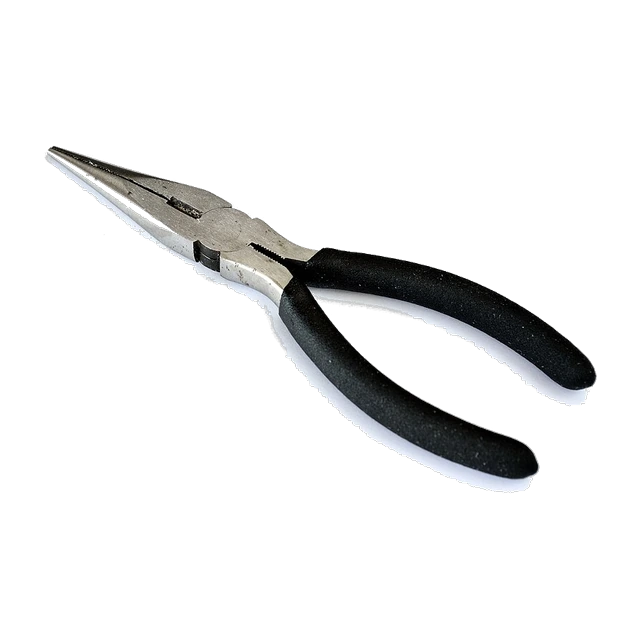
Grip, position and retrieve small components, screws and connectors in confined spaces inside PC cases.

Bundle and organise motherboard power cables, CPU and GPU power cables, Serial Advanced Technology Attachment (SATA) cables and fan cables.
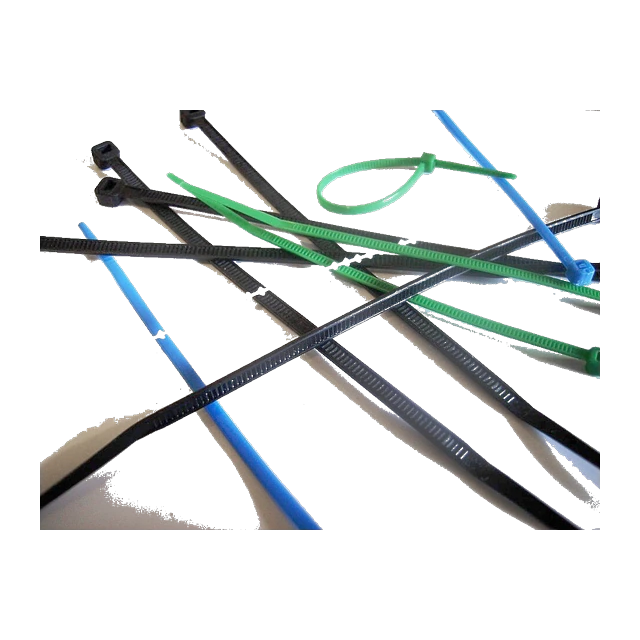
Secure cable bundles behind the motherboard tray and along case cable-routing points.
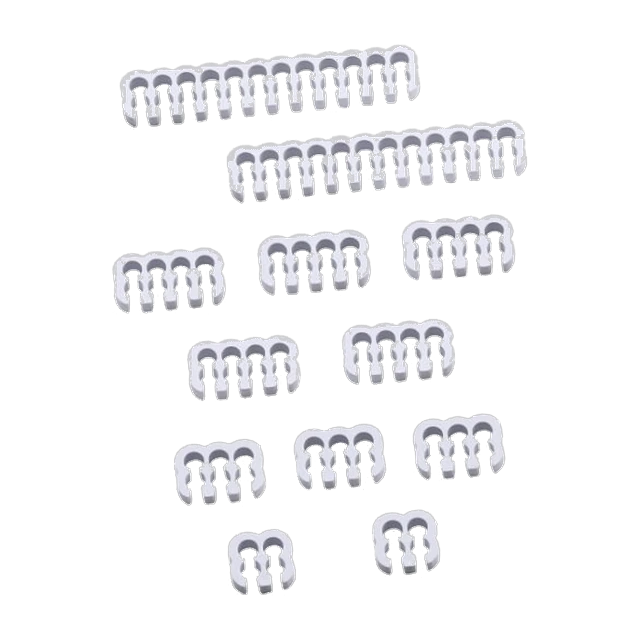
Align and organise individual wires in compatible motherboard, CPU and GPU power-cable bundles.
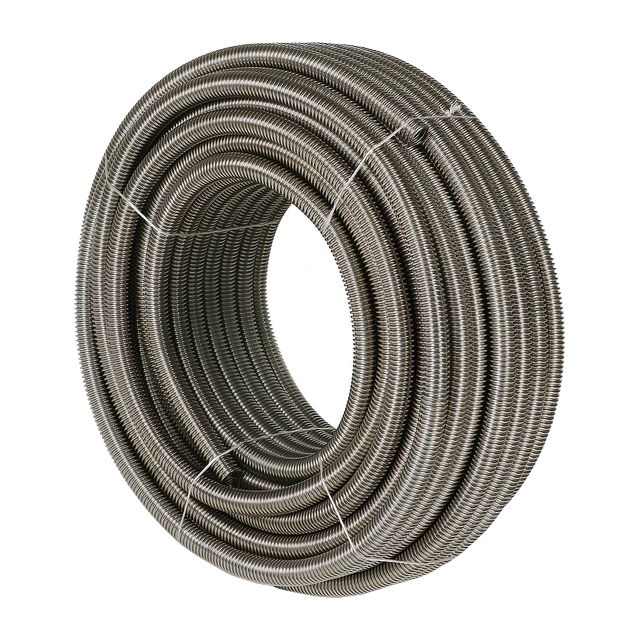
Group and cover compatible power and data cables for a cleaner cable-management finish.
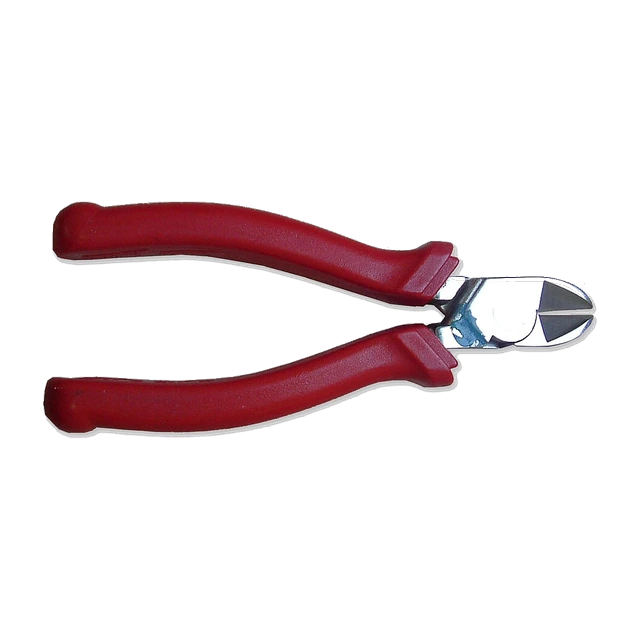
Trim excess nylon zip-tie ends cleanly.
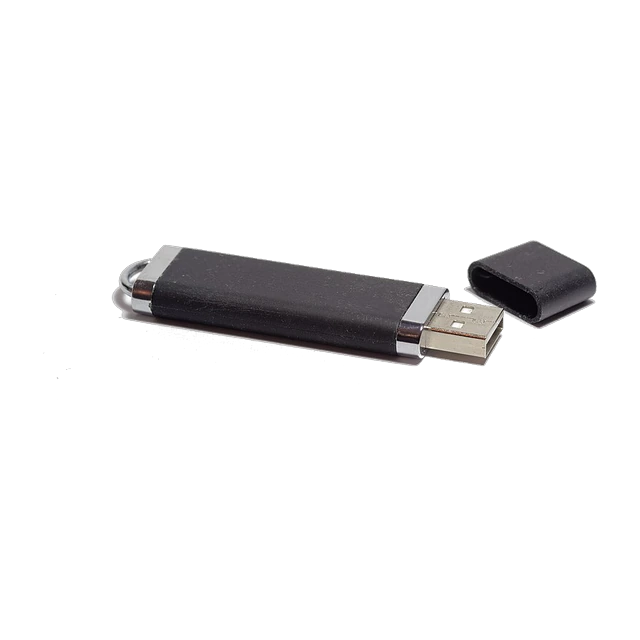
Create bootable Windows or Linux installation media, install an operating system onto an SSD or Hard Disk Drive (HDD), access recovery environments and run supported diagnostics or Basic Input/Output System (BIOS) update procedures.